

 Microsoft Office
 Microsoft Windows


 CAD
CAD Multimedia
 VPN
VPN Tools & Utilities

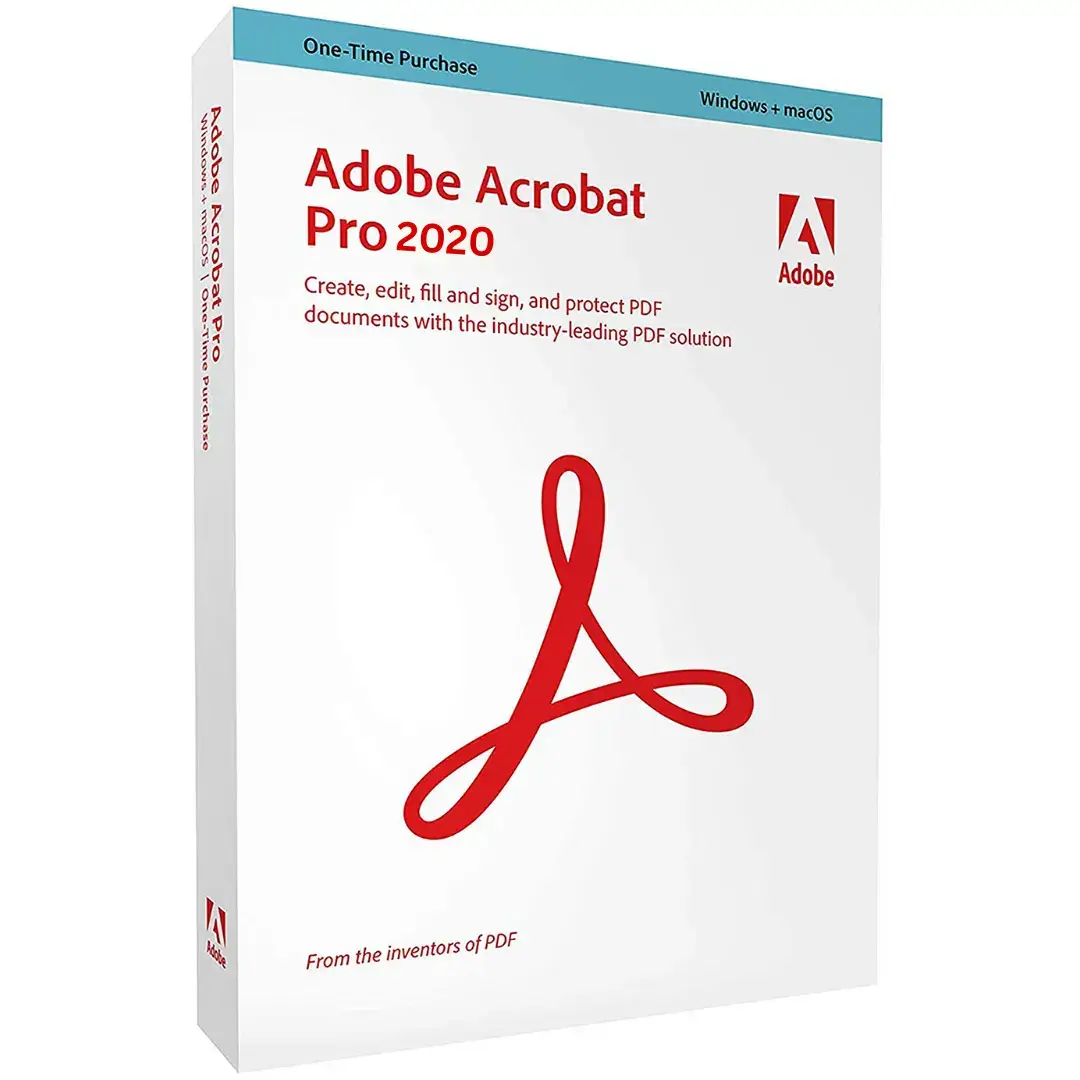

Adobe Acrobat Pro DC 2020 Windows 1Device Lifetime
We not only offer you the best deals daily and the highest quality products, but we also provide a Lifetime Warranty from Adobe Authorized Reseller + SAAC Technical Team for FREE.
Adobe Acrobat Pro 2020 for Windows PC One-Time Purchase at the best price at SoftwareHUBs. Order now, and we will send you the official Adobe Acrobat download link and product key via purchase email.  This is a perpetual digital license.
Product Details
- Brand: Adobe
- Released on: 01-06-2020
- Program type: Adobe Acrobat
- Format: Single-Use Digital License
- Compatibility: 32-bit and 64-bit
- Language: Acrobat Pro 2020 installs with English by default. Additional language packs can be installed from the Optional section in Update. However, these packs may not be available on some Windows versions using other languages, such as French, German, Japanese, and more.
New Home View
The new Home view helps you stay organized and productive. It’s a single place to manage, search, and organize all your PDFs.
- Recent Files list: Displays your recently opened files from your computer, Document Cloud storage, or third-party storage like OneDrive, Dropbox, and SharePoint.
- Recommended tools: Discover top Acrobat tools like Edit PDF, Create PDF, and more.
- Search box: Search your Document Cloud files and files sent for viewing, reviewing, or signing.
- Context pane: Access context-sensitive menus and track the status of participants and activities for shared documents.

A. Recent files B. Recommended tools C. Search files D. Context pane
View MIP-protected PDFs in Acrobat 2020 and Reader 2020
Acrobat Pro and Standard: Now you can open files protected with Microsoft Information Protection (MIP) solutions, such as Azure Information Protection and Office 365, in Adobe Acrobat 2020 and Reader 2020. Acrobat 2020 automatically detects a MIP-protected file and prompts you to download the necessary plug-in.
Color customization in the Fill & Sign tool
Acrobat Pro and Standard: Choose your preferred color for filling and signing PDF forms. To change the color, click the Color button in the Fill & Sign toolbar. By default, the signature color is black; to retain this, deselect the “Retain Original Color for Signatures” checkbox.

Run OCR on scanned documents with live text
Acrobat Pro and Standard: Run OCR on a scanned PDF containing images with live text.
- Open the scanned PDF in Acrobat 2020.
- Go to Tools > Enhance Scan > Recognize Text > In This File.
- Click Settings in the toolbar to open the Recognize Text dialog box.
- Choose Searchable Image or Searchable Image (Exact) from the Output dropdown, then click OK.
- Click Recognize Text to start the OCR process.
Preflight enhancements and PDF/UA validation in Preflight
Acrobat Pro only: Enhancements include organized Preflight Libraries, support for the new Ghent PDF Workgroup Specification 2015, and PDF/UA validation for accessibility.
- Preflight Libraries: Profiles, Fixups, and Checks are now organized in Libraries. For more details, see the Preflight Libraries (PDF | 711 KB).
- Preflight Variables: Adjust Profiles, Checks, and Fixups dynamically when applied using Variables.
- PDF/UA validation: Fix common accessibility issues and validate against Universal Accessibility standards.
Windows System Requirements
- 1.5 GHz or faster processor
- Windows Server 2012 (64-bit), 2012 R2 (64-bit) †, 2016 (64-bit), or 2019 (64-bit); Windows 10 (32-bit and 64-bit) or Windows 8 (32-bit and 64-bit)
- 2 GB RAM
- 4.5 GB available hard disk space
- 1024×768 display





Reviews
There are no reviews yet.